 pyxpo
pyxpoNetwork
Get one snapshot of the connection: the type (Wi-Fi, cellular, VPN and more), whether there is an active network and whether the internet is reachable. Follow changes with a listener or the use_network_state() hook so an offline banner tracks the connection, read the IPv4 address, and on Android check airplane mode. The native observer runs only while a listener exists.
- pyxpo-network
- v0.1.0a1
- Native: Swift + Kotlin
- Like expo-network
Install
Install the package into the same environment as pyxpo.
Add network to modules in your app config, then import it in your code.
[tool.pyxpo]
modules = ["network"]import pyxpo_network as NetworkNeeds Python 3.9+ and pyxpo>=0.1.0a2.
This module has native code. After you add it, run pyxpo run or pyxpo build again so it is compiled into the app. Hot reload alone is not enough.
Platforms
Quick start
import pyxpo_network as Network
from pyxpo import Text, View, component


@component
def OfflineBanner():
    state = Network.use_network_state()          # re-renders on every change
    if state.is_connected is False:
        return View(Text("You are offline"))
    return View(Text("Online over %s" % state.type.value))
Permissions
pyxpo adds these to Info.plist and AndroidManifest.xml for you when the module is listed.
| iOS | None. |
|---|---|
| Android | ACCESS_NETWORK_STATE, added by the module and granted at install. |
API reference
State
is_connected and is_internet_reachable can each be None while the system is still working it out. Test `is False` for offline, so a moment of unknown does not flash a banner.
await get_network_state_async()→ NetworkStateOne snapshot of the current connection.
use_network_state()→ NetworkStateA hook. Subscribes, re-renders on every change and cleans up on unmount.
add_network_state_listener(listener)→ SubscriptionCalled on every change, and once with the current state when the first listener starts. Call .remove() to stop; safe to call twice.
Address and airplane mode
await get_ip_address_async()→ strThe IPv4 address on the active network, or "0.0.0.0" when there is none. A local address, not your public one.
await is_airplane_mode_enabled_async()→ boolAndroid only. Raises NotSupportedError on iOS and the desktop.
Types
Every name also has its expo spelling, such as Network.getNetworkStateAsync.
NetworkState (frozen dataclass)
| Key | Type | Description |
|---|---|---|
type | NetworkStateType | The kind of the active network. |
is_connected | bool or None | There is an active network. |
is_internet_reachable | bool or None | Android: the system validated internet access, so a captive portal gives False. iOS: the path is satisfied. |
to_dict(), state["isConnected"] | dict | Expo's camelCase keys. |
NetworkStateType (str enum)
| Key | Type | Description |
|---|---|---|
NONE, UNKNOWN | str | No network, or the system could not tell. |
WIFI, CELLULAR, ETHERNET | str | The common kinds. |
VPN, BLUETOOTH, WIMAX, OTHER | str | The rest. |
Errors
| Key | Type | Description |
|---|---|---|
NotSupportedError | pyxpo.module_api | Airplane mode outside Android. Guard with Platform.OS == "android". |
ModuleNotLinkedError | pyxpo.module_api | "network" is missing from modules. Add it and rebuild. |
Examples
Ask before a big download on cellular
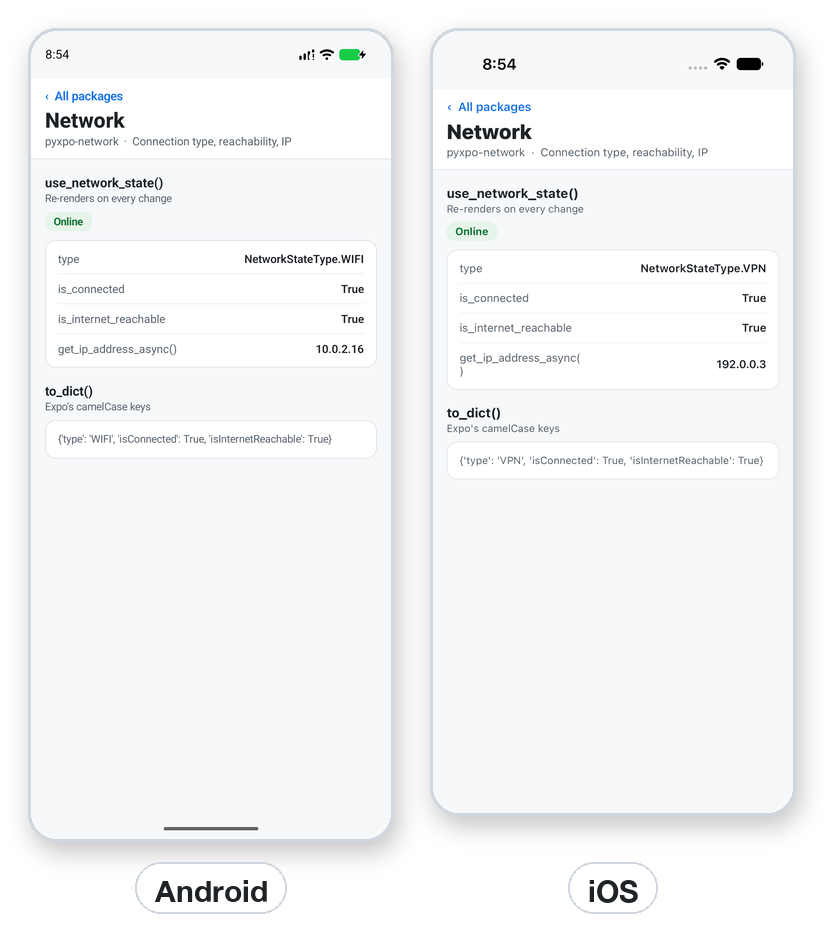
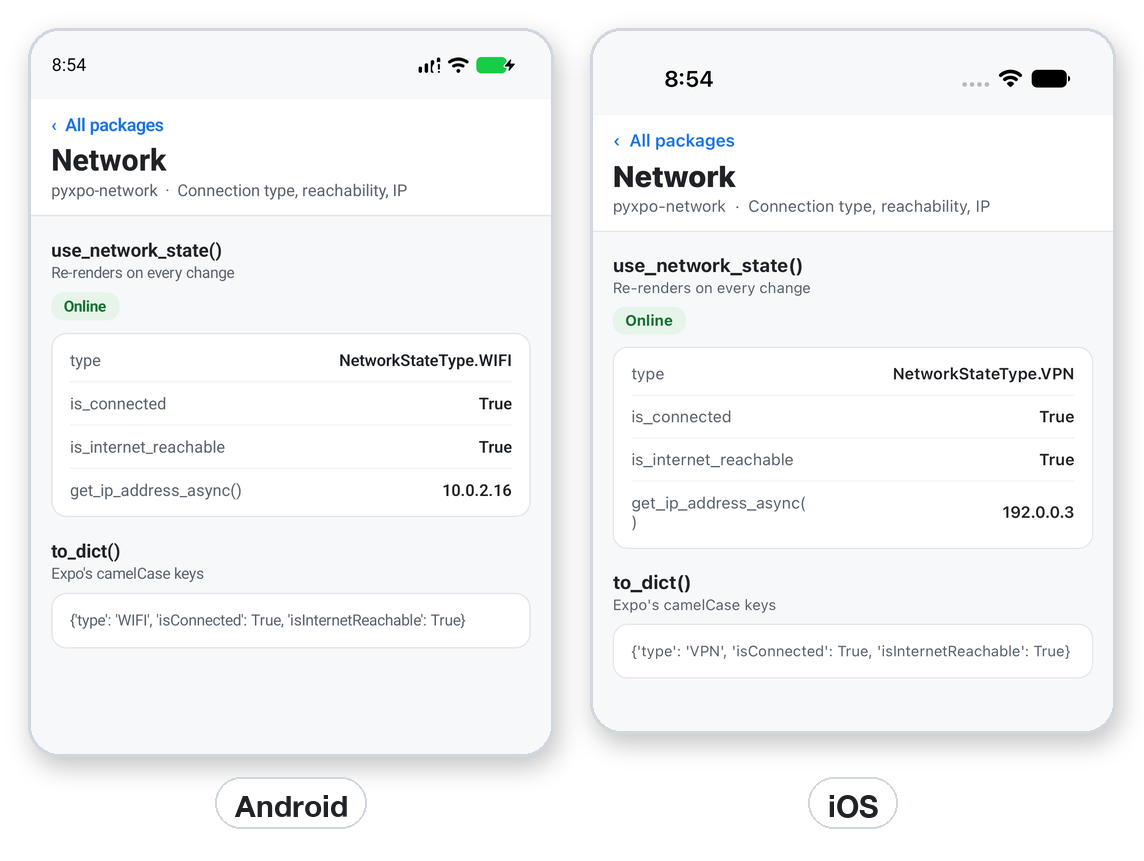
The Android emulator reports Wi-Fi. The iOS Simulator shares the Mac's network and may report VPN; a real phone shows its real network.
import pyxpo_network as Network
from pyxpo import Platform


async def should_ask_first() -> bool:
    state = await Network.get_network_state_async()
    if state.type == Network.NetworkStateType.CELLULAR:
        return True
    if Platform.OS == "android":
        return await Network.is_airplane_mode_enabled_async()
    return False
Recipe: queue writes while offline
Keep edits in a list while offline and flush them when the connection returns. send is a placeholder for your own upload.
import pyxpo_network as Network
from pyxpo import Text, View, component, use_async, use_state


async def send(item) -> None:
    ...                                        # your own upload


@component
def Notes():
    state = Network.use_network_state()
    queue, set_queue = use_state(["note 1", "note 2"])
    online = state.is_connected is not False

    async def flush():
        if online and queue:
            items = list(queue)
            set_queue([])
            for item in items:
                try:
                    await send(item)
                except Exception:
                    set_queue(lambda q: q + [item])     # keep it for the next time

    use_async(flush, [online])                 # runs again when online changes
    return View(Text("Pending: %d" % len(queue)), Text("Online" if online else "Offline"))
Testing
Replace the getter with a fake. To test a listener, call the registered function yourself with a NetworkState.
import asyncio

import pyxpo_network as Network


def test_cellular_warning(monkeypatch):
    async def fake():
        return Network.NetworkState(Network.NetworkStateType.CELLULAR, True, True)

    monkeypatch.setattr(Network, "get_network_state_async", fake)
    state = asyncio.run(Network.get_network_state_async())
    assert state.type == Network.NetworkStateType.CELLULAR
Good to know
- No module options and no config plugin. The only setup is the modules entry.
- is_connected is not the same as "the internet works". Use is_internet_reachable, and still handle a failed request.
- The module reports the type, not the Wi-Fi name (SSID).
- get_ip_address_async returns IPv4 only; with only IPv6 it gives "0.0.0.0".
- On the desktop the state is UNKNOWN and connected when the machine has a route out, else NONE. The listener is accepted and never called.